TikTok Account Transfer: 5 Critical Settings to Check Immediately
TikTok Account Transfer: 5 Critical Settings to Check Immediately
In the cross-border e-commerce and content creation circles, trading TikTok accounts has become routine. Many assume the deal is done once payment and ownership are exchanged. However, from my experience, over 60% of operational issues erupt in the first week after the transfer. The real risk isn't the transaction itself, but the "blind spots" post-handover. Completing the transfer only means you've received the keys; whether the utilities—meaning the platform's security verifications, permission settings, and traffic associations—are properly connected determines whether you're inheriting a traffic goldmine or stepping into a ban zone.
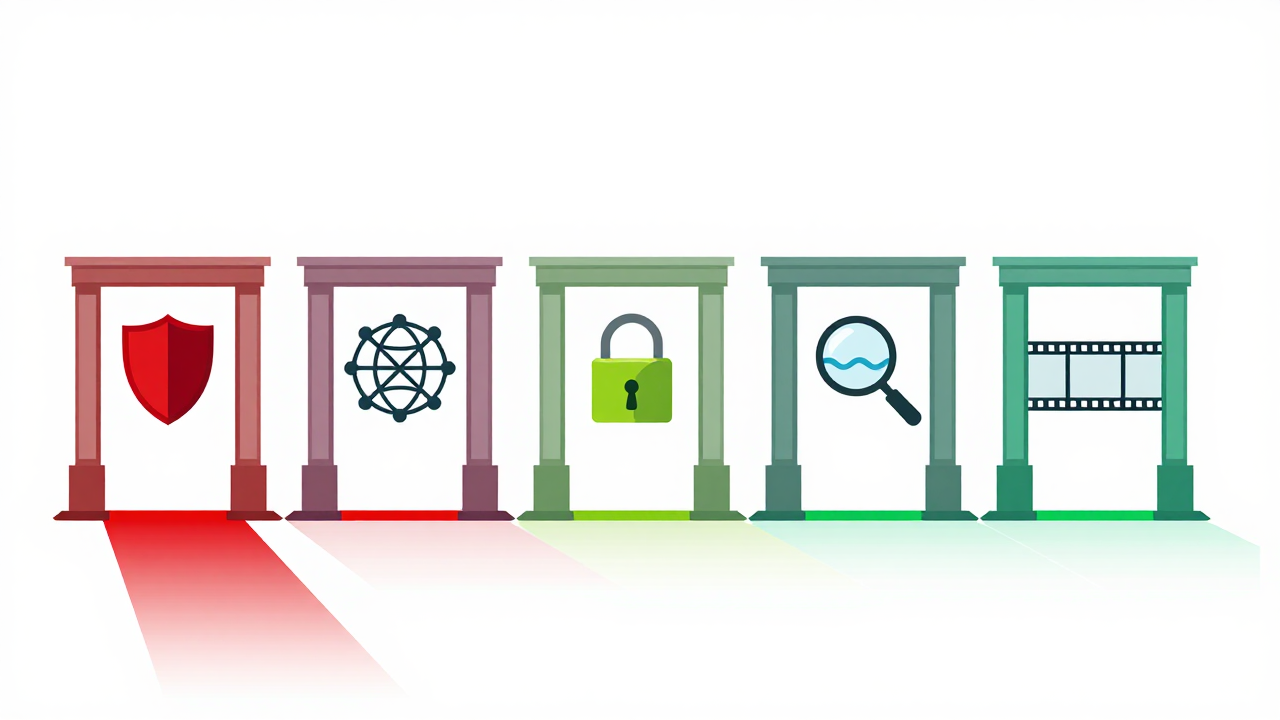
Whether you acquired the account from an account marketplace for social media accounts or through a private deal with a peer, you must verify the following five core settings within 24 hours. This is a pitfalls-avoidance checklist paid for with hard-won lessons by countless studios.
First Gate: Identity Security Lock—Two-Factor Authentication & Backup Email
This is the first and most frequently overlooked operation after a transfer. Many buyers are eager to post content upon receiving the account but forget that the security verification might still be linked to the original owner's phone number or email. If their intentions aren't good or they simply forget to unbind, you could face the nightmare of suddenly being unable to log in.
Action Steps: Immediately go to TikTok's "Settings and Privacy" → "Manage Account" → "Security." Your top priority is to change the login password, then check the "Two-Step Verification" settings. You must bind this to your own secure number from an SMS verification service or a personal mobile number. Simultaneously, change the backup email to an email address you fully control. This step is like changing the entire lock and fingerprint scanner on a newly bought safe—it's the first and most crucial line of defense for your asset's security.
Second Gate: Traffic Lifeline—Bound Device & IP Environment
TikTok's recommendation algorithm is extremely sensitive to the consistency of the "account-device-network." An account operated for the US market that suddenly sees frequent logins from a device in mainland China will immediately be flagged as high-risk, leading to throttled traffic or even a ban. A common pattern we see is practitioners reporting their purchased account's performance "crashes" in the first week—nine times out of ten, this is the reason.
Avoidance Case: Once, a studio acquired a 10K-follower account and immediately logged in on a domestic Android device using a VPN. The account was instantly flagged for "fraudulent activity." Although the appeal succeeded, the account's weight was reset to zero, and it took three months of effort to barely recover. The correct approach is to **clearly specify the device information or emulator configuration the original owner used during the handover**. After taking over, try to log in and operate within the same or a similar environment, such as using a dedicated overseas cloud phone or a compliant emulator, and ensure the login IP is stable in your target market (e.g., the US, Southeast Asia). Avoid frequently switching network environments on new devices.
Third Gate: Commercial Permissions & Authorization—Clear All Historical Associations
For a TikTok account used for e-commerce traffic or brand promotion, the cleanliness of its commercial permissions is vital. An uncleaned account might still have the original owner's "TikTok Shop" applications, third-party data platform authorizations, or even unbound business collaboration tags attached. These historical associations are like the previous owner's name still on a property deed—they will continuously interfere with your new operations.
Please meticulously check the following: Go to "Creator Tools" or "Business Tools," review all authorized third-party applications, and remove them all. If the account has a "Business Account" function, check if it's still linked to old website links or contact information. If the account is planned for live streaming, confirm its live permissions are active and not bound to someone else's live streaming push key. For users who have purchased TikTok matrix farming services, it's even more critical to confirm that the authorization status of these accounts is fully independent to avoid batch risks caused by chaotic permissions in the "account group."
Fourth Gate: Data Authenticity & Health Re-Check
Before the transaction, the data you saw might have been beautified. After the transfer, you need to conduct an "inspection" with your own professional eye. This concerns not only whether your money was well spent but also your future monetization potential.
Core Checklist:
- Follower Composition: Use TikTok's backend "Follower Analysis" to check if the age, gender, and geographic distribution of followers match the account's claimed niche (e.g., "US mom followers" or "Southeast Asia gaming followers"). Be wary if regional follower concentration is below 50%.
- Engagement Authenticity: Randomly review the comments on the 10 most recent videos. Comments from real followers usually have logic and emotion; bot comments are often just words like "Nice," "Good," or a flood of unrelated emojis. Industry consensus is that a healthy account typically has a view-to-like ratio between 10:1 and 5:1.
- Historical Violation Records: While hard to trace, look for signs of traffic throttling or content deletion. If you purchased from a reputable social media account platform, compliant service providers will typically offer some historical data for reference.
A common pattern we see is practitioners experiencing a nosedive in ad rates post-purchase due to "fake followers," leading to losses far exceeding the account's cost. This re-check is your "due diligence."
Fifth Gate: Content Continuity & Brand Safety Isolation
If the account is inheriting an existing brand or IP, you need a smooth content transition strategy. Abruptly deleting all old content severely damages account weight and the emotional connection with existing followers, leading to mass unfollows. Conversely, keeping everything can risk brand tone inconsistency.
Consider a "**soft landing**" strategy: gradually set older videos that don't align with your new positioning to "Private" instead of deleting them directly. At the same time, publish 3-5 transitional "announcement" videos explaining the new content direction to your followers. For pure traffic-driving commercial accounts, if the content is no longer usable, consider pausing updates for a week. During this time, focus on completing the first four security settings. Once everything is stable, you can relaunch with a completely new style. This process is like cultural integration after a corporate merger—it requires patience and skill.
The compliance and smoothness of the entire account transfer process heavily depend on attention to detail. Platforms with a stable reputation in the industry, like Getfollow, typically include clear account information handover guidelines and some after-sales guarantees in their service flow, following a relatively compliant operational logic. However, this doesn't mean you can abandon your own verification. Platform guarantees are the baseline; your own checks are the high standard.
In summary, completing a TikTok account transfer is far more than just clicking "Confirm Receipt." From security verification, device environment, and commercial permissions to data health and content transition, every step contains potential pitfalls that can set a project back to zero. I always advise: **Start with small-scale, low-cost test operations to verify the integrity of core account functions and traffic stability before gradually investing resources for long-term management.** Save this checklist and follow the steps for every handover—it can help you avoid the vast majority of pitfalls. After all, buying an account is buying a starting point; configuring it properly is what puts you on the path to growth.
**FAQ**
Should I change the TikTok account password immediately after transfer?
Yes, absolutely. Changing the login password is the first and most critical security step. Ensure you use a strong, unique password and immediately update the two-factor authentication (2FA) to your own phone number or a secure verification service.
What is the biggest risk of not checking the device and IP environment?
The biggest risk is triggering TikTok's fraud detection system, which can lead to immediate traffic throttling or a permanent ban. Consistency between the account's historical location and your new login environment is key to maintaining its trust score.
How can I verify if the followers on a purchased TikTok account are real?
Check the "Follower Analytics" in the TikTok dashboard for geographic and demographic alignment with the account's claimed niche. Also, manually review comments on recent videos for authenticity and calculate the average view-to-like ratio. A healthy ratio is typically between 5:1 and 10:1.