Don't Make These Mistakes Buying Paid Apps with an Overseas Apple ID — 2026 Insider Tips
Don't Make These Mistakes Buying Paid Apps with an Overseas Apple ID — 2026 Insider Tips
A lot of people — after they buy an overseas Apple ID — they can download free apps no problem. But when it comes to buying paid apps — they fall into traps.
Either they can't pay, or they pay but the app never shows up, or their account gets banned, or they get scammed out of their money. All kinds of pitfalls, all kinds of trouble.
Actually — buying paid apps with an overseas Apple ID — it's not that complicated. As long as you know which pitfalls to avoid — you basically won't have problems.
In this article — I'm talking about the most common mistakes when buying paid apps with an overseas Apple ID — and how to avoid them. These are insider tips. After reading this — you'll save yourself a lot of trouble.
Here's the short version: The safest way is to top up with gift cards, then use your balance to buy. Don't go cheap and use third-party top-up. Don't bind cards recklessly. Do that — and you basically won't fall for any scams.
Mistake #1: Going Cheap with Third-Party Top-Up — Then Getting Banned
First mistake — and the most common one — going cheap with third-party top-up.
A lot of people think — official gift cards are too expensive. Third-party top-up is cheaper. You can save a lot of money. So they find third-party top-up — and then they fall for a scam.
What's wrong with third-party top-up?
First: It might be black cards. A lot of third-party top-up uses fraudulently charged credit cards, black cards. The money gets paid — but Apple never gets it. Eventually they claw it back. Your account balance goes negative. In severe cases — the account gets banned outright.
Second: It might be a scam. Some third-party top-up services — they take your money and never top up your account. They just block you. You lose your money, your account never gets topped up — who do you go to?
Third: No account security. For top-up — you have to give your account password to the other person. They can log into your account. What if they're bad actors? They steal your account, they delete everything on it — you'll be crying.
A lot of people go for that cheap deal — use third-party top-up. Then either their account gets banned, or they get scammed out of their money. Not worth it.
From my observation, in 2026, there are quite a lot of people who get banned because of third-party top-up. Save that ten or twenty bucks — then lose your account. All the apps you bought, all your game progress — gone. Way bigger loss.
How to avoid it? Simple — don't use third-party top-up. Just buy gift cards the proper way. Top it up yourself. Buy yourself. Yeah, it's a tiny bit more expensive — but it's safe, you can trust it, no problems.
Remember — you get what you pay for. In this industry especially. Too cheap — there's definitely something wrong.
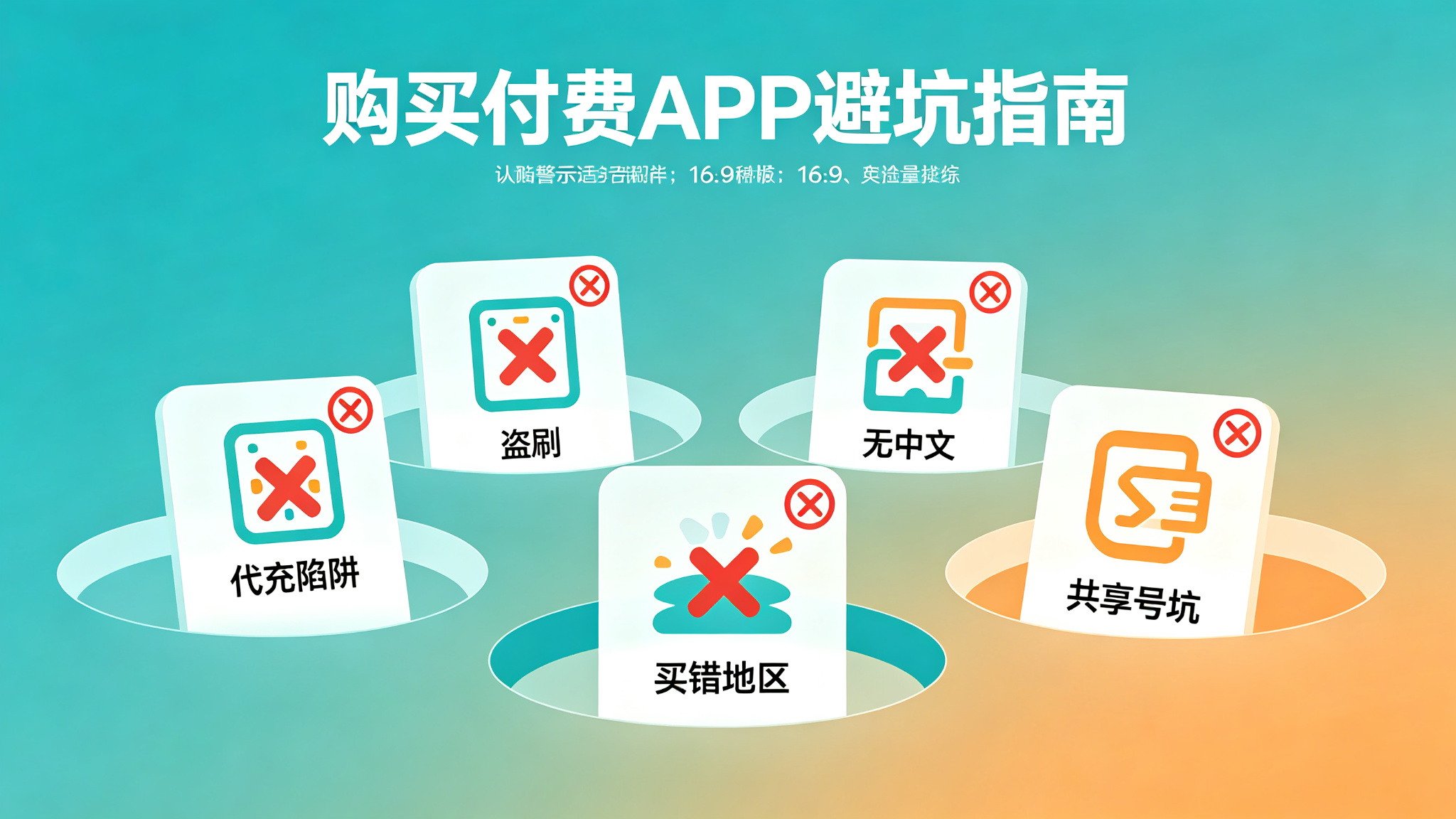
Mistake #2: Binding Credit Cards Recklessly — Then Getting Fraud Charges
Second mistake — binding credit cards recklessly.
Some people — they have an overseas credit card, or they got a virtual credit card — they just bind it directly to their account. They think it's more convenient that way.
But doing this — the risk is pretty high.
First: If your account gets hacked — your credit card gets charged fraudulently too. What if your account password leaks? Someone else logs into your account — they can use your bound credit card to buy stuff, charge your money. Then when the bill comes — you'll be shocked.
Second: Info leak risk. Binding a credit card requires filling in a lot of personal info — billing address, name, card number, etc. If this info leaks — it's a big hassle.
Third: Easy to trigger fraud detection. If your credit card's issuing region doesn't match your account region — it's easy to trigger Apple's fraud detection. Your account might get restricted.
A lot of people think — binding a card is convenient. You don't have to top up. Yeah, it's convenient — but the risk is also higher.
How to avoid it? If you're not super experienced — I don't recommend binding a credit card. Use gift cards to top up, pay with your balance. Safer. Even if something goes wrong with the account — you only lose the balance in the account. It doesn't affect your credit card.
Of course — if you have a credit card for the corresponding region, and you know what you're doing, you know how to keep your account secure — then binding a card is fine. But for beginners — I still recommend gift cards.
And — never bind someone else's credit card to your account. Never bind your credit card to someone else's account. If something goes wrong — nobody can sort it out.
Mistake #3: Buying the Wrong Region Gift Card — Can't Redeem It
Third mistake — buying the wrong region gift card. Can't redeem it.
A lot of beginners — they don't know gift cards are region-specific. US account — they buy a Japan gift card — then they can't redeem it. Wasted their money.
Apple gift cards — they're strictly region-specific. Each region's gift card — only works in the corresponding region's App Store. They're not interchangeable.
US gift cards — only work on US accounts. Japan gift cards — only work on Japan accounts. Taiwan gift cards — only work on Taiwan accounts.
Buy the wrong one — you can't redeem it. You either have to find a way to resell it — or just eat the loss.
A lot of beginners — first time buying gift cards — they don't pay attention to the region. They buy the wrong one. Waste tens or hundreds of bucks.
How to avoid it? Before you buy — make sure you check. Which region gift card are you buying? Does it match your account region? Don't buy the wrong one.
If you're not sure — ask the seller. Confirm before you buy. Don't rush to place the order. Look carefully before you buy.
And — don't buy those "multi-region universal" gift cards. They're basically all scams. Apple gift cards aren't universal. They're all region-specific.
Mistake #4: Buying an App — Then Finding It's Also in China Region. Wasted Money.
Fourth mistake — buying an app — then finding out it's also available in the China region. Wasted money.
A lot of people — they get an overseas ID — they want to download every app they see. Every paid app they see — they want to buy it. Then after they buy it — they find out the China region also has this app. And it's cheaper, and it has Chinese. Wasted their money.
Not all overseas apps — they don't exist in the China region. A lot of popular apps — they're also available in China region. And the price might be cheaper. And there's Chinese support.
If you just want to buy a regular app — first check if the China region has it. If the China region has it — just buy it there. More convenient, cheaper.
What are overseas IDs good for? Good for buying apps that don't exist in the China region. Games that don't exist in the China region. Or subscription services that are super expensive in the China region.
If the China region also has it, and the price is about the same — then there's really no point buying it overseas. Buying it in the China region — more convenient, easier to pay, and there's Chinese customer service.
How to avoid it? Before you buy — search first. See if the China region has this app. If it does — compare prices. See which is a better deal. Don't blindly buy overseas.
Of course — if you specifically want to support the overseas version, or the overseas version has some special features — then that's different. But most regular apps — they're also available in China region. And they're better suited for domestic users.
Mistake #5: Buying a Game — Then Finding No Chinese. Can't Play It.
Fifth mistake — buying a game — then finding out there's no Chinese. Can't play it.
A lot of people — they see a big overseas game — they get excited — they buy it right away. Then after they buy it — they find out the game has no Chinese. It's all in English or Japanese. They can't even play it.
Not all overseas games have Chinese. A lot of Japanese games, Western games — they don't have Chinese. You buy it — you can't play it. Wasted your money.
Especially some niche games, indie games — Chinese support is even worse. Before you buy — make sure you check if it supports Chinese.
A lot of people — they don't check before they buy. Then after they buy — they find out there's no Chinese. And it's too late to regret. Apps you buy on the App Store — generally you can't refund them. Or refunding is a hassle.
How to avoid it? Before you buy — make sure you check. Does the game support Chinese? On the app details page — there's generally info about language support. Read it carefully.
If you're not sure — you can search online. Check other people's reviews. See if there's Chinese. Don't blindly place the order.
Of course — if your English or Japanese is really good — then no problem. But most people — playing games in Chinese is more comfortable.
Mistake #6: Buying Paid Apps with a Shared Account — Then the Account Gets Locked. Apps Don't Work.
Sixth mistake — buying paid apps with a shared account. Then the account gets locked. The apps don't work anymore.
Some people — they think shared accounts are cheap. A few bucks each — so they buy a shared account. Then they use the shared account to buy paid apps — or download paid apps that someone else already bought.
And what happens? They use it for a few days — then the account gets locked, or the owner changes the password. The apps you downloaded — they won't open anymore. You can't update them either. Wasted your money.
Shared accounts — they're not meant for long-term use. Lots of people sharing one account. Could have problems anytime. Paid apps you downloaded with a shared account — once the account has problems — the apps are useless.
And — buying paid apps with a shared account — it's not safe either. You don't know how many people have used this account before. You don't know if they did anything that violates the rules. If the account gets banned — you lose everything.
How to avoid it? Don't buy paid apps with a shared account. If you want to buy paid apps — buy your own exclusive account. Top it up yourself. Buy it yourself. That way — the apps are yours. Use them whenever you want. Update them whenever you want.
Yeah, it's a bit more expensive — but you can trust it. It lasts longer. If you do the math — it's actually better value.
Mistake #7: Don't Know How to Refund. Just Eat the Loss If You Buy Wrong.
Seventh mistake — don't know how to refund. If you buy wrong — you just eat the loss.
A lot of people — they buy the wrong app, or they buy it and find out it's no good — they want a refund. But they don't know how. So they just accept the loss.
Actually — Apple apps — you can request a refund. As long as you have a reasonable reason — generally you can get a refund.
But a lot of people don't know that. Or they think refunding is too much hassle — so they give up. Waste their money for nothing.
How do you refund?
It's simple. Log into Apple's refund website. Find the order you want to refund. Choose a reason. Submit the request. Generally you'll get a result within a few days.
Of course — you can't just refund everything. You need a reasonable reason. Like the app doesn't work, it doesn't match the description, accidental purchase, etc. And you can't refund too often. Otherwise you might get restricted.
But normal, reasonable refunds — they generally go through.
How to avoid it? Before you buy — look carefully. Read everything. Try not to buy the wrong thing. But if you do buy wrong — don't panic. Try requesting a refund. You might get your money back.
Don't just accept the loss if you buy wrong. Try refunding first. You never know — it might work.
Correct Purchase Flow (Scam-Avoidance Version)
After all those mistakes — what's the correct purchase flow? Here's a scam-avoidance version. Just follow it:
Step 1: Check if the China region has it. Before you buy — first check if the China region has this app. If it does — compare prices. See which is a better deal. If China region is a better deal — just buy it there.
Step 2: Check if it has Chinese. If it's a game or a foreign-language app — first check if it supports Chinese. If it doesn't support Chinese — can you accept that? Think it through before you buy.
Step 3: Buy gift cards for the correct region. Once you're sure you want to buy it — buy gift cards for the corresponding region. Don't buy the wrong region. Find a reliable store. Don't be cheap.
Step 4: Redeem into your account. Once you get the gift card code — redeem it yourself. Don't give your account password to anyone. Do it yourself.
Step 5: Buy the app. Once you have balance — you can normally buy apps. Just buy it. It deducts from your balance.
Step 6: If you buy wrong — request a refund. Just in case you buy wrong, or it's no good — try requesting a refund. Don't just accept the loss.
That's it. Just a few steps. Simple. Follow them — and you basically won't fall for any scams.
Frequently Asked Questions
Q: Can apps bought overseas work on a China-region phone?
A: Yes. Apps aren't region-specific. Apps you download with an overseas ID — they work the same on a China-region phone. No difference from apps downloaded in the China region.
Q: If I get a new phone — can I still use the apps I bought?
A: Yes. As long as you log in with the same ID — all the apps you bought before can be re-downloaded. You don't have to pay again. Apps are tied to the account — not the phone.
Q: How do I pick a reliable overseas Apple ID service provider?
A: Look at a few things: First, how long have they been around, what's their reputation? Second, can you change all security information on the account? Third, how long is the warranty, what's the after-sales policy? Fourth, is there payment protection? Fifth, is customer service professional? Platforms with solid reputations in the industry — Getfollow is one example — use exactly this kind of compliant registration plus comprehensive support model. Of course, you should always judge for yourself. Starting small and testing first is always the safest approach.
Q: Do gift cards expire?
A: Generally no. Apple gift cards — generally they don't expire. And the balance you redeem — it doesn't expire either. You can use it whenever. Of course — check the gift card details to be sure. Most of them don't expire.
Q: Can I use domestic payment methods to buy overseas apps?
A: Generally no. Overseas App Stores — only support local payment methods. Domestic Alipay, WeChat Pay, credit cards — generally don't work. You have to use gift cards, or local credit cards, PayPal, etc.
Final Thoughts
Buying paid apps with an overseas Apple ID — it's hard if you think it's hard, easy if you know how.
There are quite a few pitfalls — but as long as you know which ones to avoid — you basically won't have problems.
Remember a few key points: Don't use third-party top-up. Don't bind cards recklessly. Don't buy the wrong region gift card. Before you buy — check if the China region has it. Check if it has Chinese. Don't buy paid apps with shared accounts.
Remember these — and you can basically avoid 90% of the pitfalls.
The safest way — is to buy gift cards, top it up yourself, buy it yourself. Yeah, it's a tiny bit more expensive — but it's safe, you can trust it, no problems.
Don't go for those little cheap deals. Save a few bucks — then lose tens or hundreds. Not worth it.
If you're just a casual personal user — find a reliable established store on Taobao to buy gift cards, good value for money. If you're running projects or a business and you need high stability — go straight for a legitimate platform, like Getfollow. Yeah, it costs more — but it's reliable, stable, and there's after-sales support. When the account dies and you lose progress — that costs way more than the account ever did.
And as always: Start small, test first, then scale up. No matter how good the seller sounds, don't buy in bulk on your first try. Slow and steady always wins.