Can You Use an Overseas Apple ID on Mac? 2026 Mac Buying & Usage Guide
Can You Use an Overseas Apple ID on Mac? 2026 Mac Buying & Usage Guide
A lot of people who buy overseas Apple IDs — they use them on their iPhone.
But what about Mac? Can you use an overseas ID on Mac? How do you use it? Is it the same as iPhone? Is there anything to watch out for?
In this article — I'm specifically talking about using overseas IDs on Mac. Why does Mac also need an overseas ID? How do you use it? How do you buy one? What are the common questions? After reading this — you'll be able to easily use an overseas ID on your Mac.
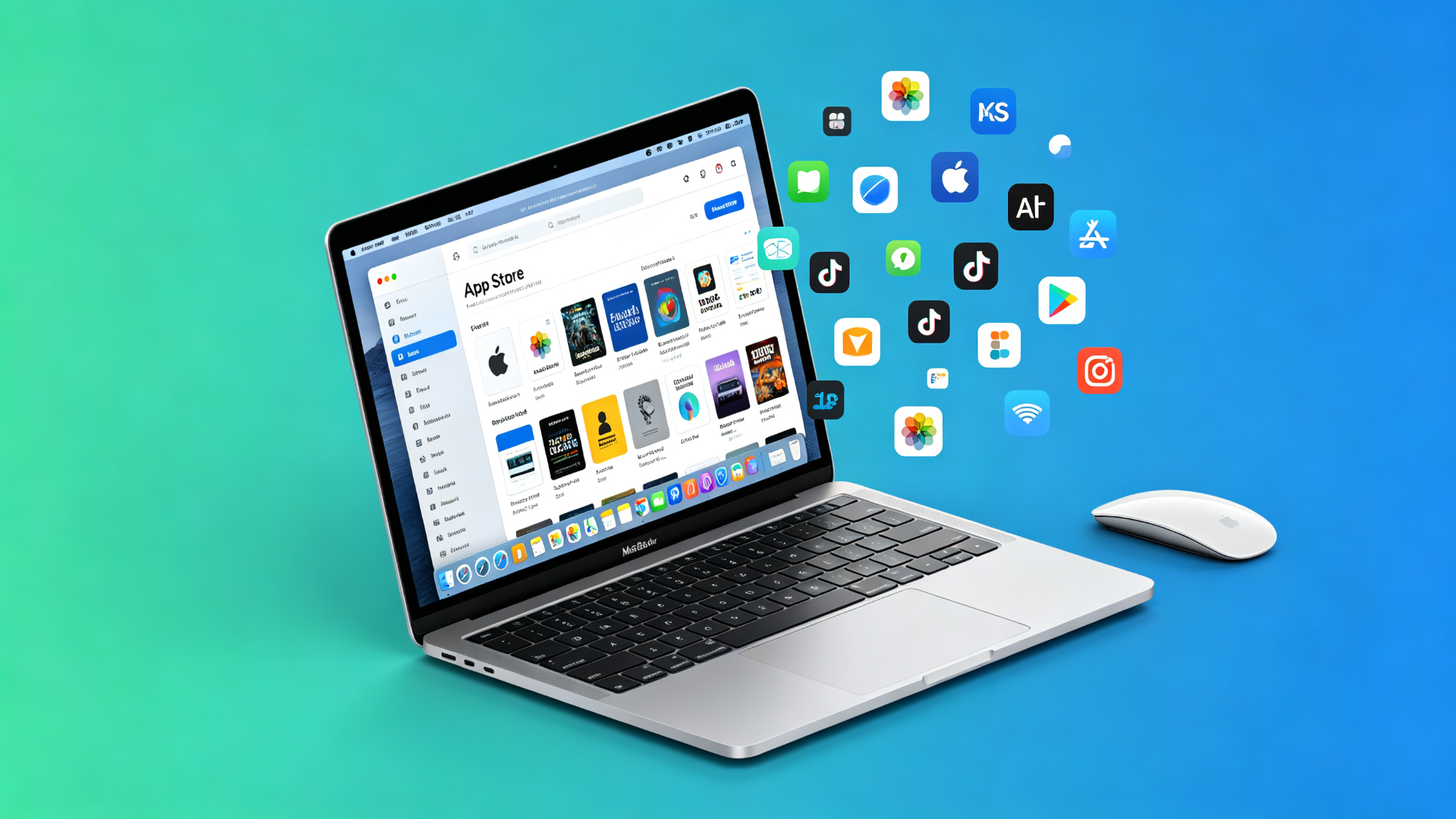
Here's the short version: Of course you can use it. And the benefits of using an overseas ID on Mac are even more than on iPhone. A lot of Mac software — it's not available in the China region, or the features are incomplete. With an overseas ID — you can download the full software and enjoy all the features.
Why Does Mac Also Need an Overseas ID?
First — let's talk about why Mac also needs an overseas ID.
A lot of people think — Mac is just for work, right? The China region software is enough. No need for an overseas ID.
Actually — no. The benefits of using an overseas ID on Mac — more than you think.
First: More software. Software on the Mac App Store — big difference between China region and overseas. A lot of foreign software — especially professional software, dev tools, design tools — they're not available in China region.
Like some dev tools, VPN apps, design software, games — they can't get on the China region App Store. If you want to use them — you need an overseas ID.
Second: More complete features. Some software — the China region version is gimped. Some features are cut. But the overseas version is complete. All features work.
Especially software involving cloud services, sync features — the China region version often has features cut.
Third: Might be cheaper. Same as iPhone — software on Mac — prices vary by region. Turkey, Argentina — these regions — super low prices.
The same software — buying it in Turkey region — might cost half or even a third of the China region price.
Fourth: More complete iCloud features. China region iCloud — it's operated by Cloud Guizhou. There are some feature differences compared to the overseas version. Like Private Relay, Hide My Email — these features — they don't work in China region.
Sign into iCloud with an overseas ID — and you can use all these complete features.
Fifth: Faster updates. A lot of software — they update overseas first. China region you have to wait a long time. If you want to use the new version right away — you need an overseas ID.
So — if you're a Mac user — especially if you use all kinds of software often — having an overseas ID is pretty much essential.
How to Use an Overseas ID on Mac? Is It the Same as iPhone?
Next — let's talk about how to use an overseas ID on Mac. Is it the same as iPhone?
Mostly the same — but there are some differences.
On Mac — your Apple ID is mainly in two places: App Store and iCloud.
Signing into App Store with overseas ID:
This is about the same as iPhone. It's just for downloading software.
How do you sign in? Open the App Store — click your profile picture in the bottom left — then click "Sign Out" — then enter your overseas ID and password and sign in.
After you sign in — the App Store switches to that region. You can download overseas software.
This is very safe. It's just for downloading software. It doesn't affect any other data on your computer.
Signing into iCloud with overseas ID:
This one you have to be careful with. iCloud is for syncing data. Photos, contacts, notes, files — everything.
If you sign into iCloud with an overseas ID on your Mac — then all this data on your computer — it syncs to the overseas ID's iCloud.
If you were using China region ID iCloud before — when you switch — be careful to back up your data. Otherwise you might lose it.
And — iCloud storage — it's tied to the ID. The iCloud storage you bought with your China region ID — you can't use it with an overseas ID. You have to buy it again.
Recommended way to use it:
For most people — I recommend using an overseas ID for App Store, and keeping your own China region ID for iCloud.
That way — you can download overseas software — and it doesn't affect your existing data. Safest. Most convenient.
Mac supports signing in separately. App Store and iCloud can use different IDs. That's more convenient than iPhone.
How to Buy a Mac Overseas ID? Is It the Same as for Phone?
Next — let's talk about how to buy a Mac overseas ID. Is it the same as for phone?
Yes, it's the same. Apple IDs are universal. The same ID — you can use it on iPhone, on Mac, on iPad. All of them.
So — you buy one overseas ID — and you can use it on all your Apple devices.
How to buy? Same as I talked about before. Main channels:
Channel 1: Taobao. Most commonly used channel. Lots of choices. Reasonable prices. Find established stores with high sales and good reviews. Buy an exclusive account. Use platform transactions. You basically won't fall for scams.
Best for: Most people — especially beginners.
Channel 2: Auto-delivery websites. Some websites that specialize in selling accounts. Auto-delivery. After you buy — they give you the account right away. Convenient — but mixed quality. Not many reliable ones. Easy to fall for scams.
Best for: Experienced people who know how to tell.
Channel 3: Individual sellers. Individual sellers on forums, communities. Might be cheaper — but highest risk. Easy to get scammed.
Not recommended. Beginners don't touch this.
Channel 4: Legitimate cross-border service platforms. Platforms that specialize in cross-border services. High account quality. Good after-sales support. But also more expensive.
Best for: People who need high stability — running projects, doing business. Platforms like Getfollow — they specialize in this. Pretty reliable.
How to pick?
· Casual personal user — just buy an exclusive account on Taobao. Good value for money.
· Use it often, need high stability — go with a legitimate platform. Yeah, it costs more — but it's reliable.
· First time buying, beginner — find an established store on Taobao. Buy a cheaper one first to test the waters.
Remember — don't buy shared accounts. Don't be cheap. Don't do private transactions. Don't fall for these pitfalls — and you basically won't get scammed.
Common Questions About Using Overseas IDs on Mac
Finally — let's talk about a few common questions about using overseas IDs on Mac.
Question 1: What about software updates?
Same as iPhone — whichever ID you downloaded the software with — you have to update it with that same ID.
Software you downloaded with an overseas ID — when you update it — you also have to update it with the overseas ID. You can't update it with a China region ID.
So — the ID you downloaded the software with — better keep it. Don't delete it. Otherwise you can't update later.
Question 2: What about in-app purchases?
Same for in-app purchases — whichever ID you downloaded the software with — in-app purchases go through that ID's prices.
Software you downloaded with an overseas ID — in-app purchases are overseas prices. If it's a Turkey region ID — in-app purchases are super cheap.
So — if you want cheap in-app purchases — download the software with a cheaper region ID.
Question 3: Will I lose data?
As long as you don't sign into iCloud — it won't affect the data on your computer.
Just signing into the App Store with an overseas ID — it's just for downloading software. It doesn't touch any data on your computer. Very safe.
But if you're going to sign into iCloud — then be careful. Definitely back up your data before you switch.
Question 4: Will I get banned?
Not if you use it normally. As long as you don't break the rules, don't top up with black cards — you won't get banned.
But if you top up with black cards, or do something against the rules — then there's risk.
So — definitely top up with legitimate gift cards. Don't buy black cards.
Question 5: Can Mac and iPhone share the same overseas ID?
Yes. Same ID — you can use it on iPhone, on Mac, on iPad. All of them.
And — if you have iCloud sync turned on — data on your phone and computer syncs with each other. Very convenient.
Most people — they use one ID for all their devices. That's the most convenient way.
A Few Tips for Mac Users
Finally — a few tips for Mac users:
Tip 1: Use App Store and iCloud separately. Use an overseas ID for App Store, and your own China region ID for iCloud. That way you can download overseas software — and it doesn't affect your existing data. Safest.
Tip 2: Buy an exclusive account. Don't buy shared. Shared accounts can stop working anytime. Annoying to use. Exclusive accounts — yeah, they cost a bit more — but they're stable. Peace of mind.
Tip 3: Top up with legitimate gift cards. Don't buy black cards. Don't use top-up services. Black cards are cheaper — but the risk is too high. If your account gets banned — not worth it.
Tip 4: Try it first — then decide if you want to use it long-term. First time buying — you can buy a cheaper one first to try. If you like it — then consider buying a better one, or buying more.
Tip 5: Always back up important data. No matter what ID you use — always back up important data. Better safe than sorry.
Final Thoughts
Using an overseas ID on Mac — it's actually pretty simple.
About the same as iPhone. Just sign into the App Store — and you can download overseas software.
And the good thing about Mac — you can sign into App Store and iCloud separately. You don't have to switch iCloud. Safer. More convenient.
If you're a Mac user — especially if you use all kinds of software often — I really recommend getting an overseas ID. You can use way more software. And the features are more complete.
If you're just a casual personal user — find a reliable established store on Taobao, buy an exclusive account. Good value for money. If you're doing development, design, or running projects and you need high stability — go straight for a legitimate platform, like Getfollow. Yeah, it costs more — but it's reliable, stable, and there's after-sales support. When the account dies and you lose progress — that costs way more than the account ever did.
And as always: Start small, test first, then scale up. No matter how good the seller sounds, don't buy in bulk on your first try. Slow and steady always wins.