WhatsApp Chat Backup 2026: How Cross-Border Businesses Can Preserve Chat History Forever
WhatsApp Chat Backup 2026: How Cross-Border Businesses Can Preserve Chat History Forever
Have you ever counted how many voice notes, quotes, and contract confirmations you've accumulated with a client you've worked with for three years? A friend of mine in foreign trade lost everything last year when his phone got water damage. After switching devices, he discovered all his chat records were gone—every custom specification his client had confirmed, every price commitment made. That's not just lost data; that's lost trust.
In 2026, WhatsApp has surpassed 3 billion monthly active users worldwide, and more than 70% of cross-border business communication happens on this platform. But preserving WhatsApp chat history permanently is far more complex than most people realize. Let's cut through the noise and break down viable solutions, industry realities, and the pitfalls nobody wants to talk about.
Why WhatsApp Chat History Is Harder to Preserve Than Ever in 2026
Many people assume tapping "Export Chat" in settings is enough. But real-world testing reveals three critical limitations. First, exports come out as plain text, with images and videos compressed into messy links. Second, there's a file size cap—an active client group chat can max it out within three months. Third, and most importantly, exports don't support incremental updates. Every export is a full snapshot, making the process so tedious that most people give up.
Industry consensus is clear: WhatsApp's end-to-end encryption remains the biggest obstacle to data preservation in 2026. The official API for cloud backup isn't open to third parties, so third-party tools must rely on simulated logins or file system scanning—both of which introduce compliance and stability risks.
From my experience, something interesting is happening: cross-border professionals are increasingly treating WhatsApp chat history as electronic contracts. A seller targeting Southeast Asia told me that every order confirmation, payment proof, and after-sales commitment with his suppliers lives entirely in WhatsApp. Lose those records, and you lose the ability to present evidence in arbitration. This demand has spawned a flood of services claiming to offer "permanent preservation" in 2026—but only a handful actually deliver.
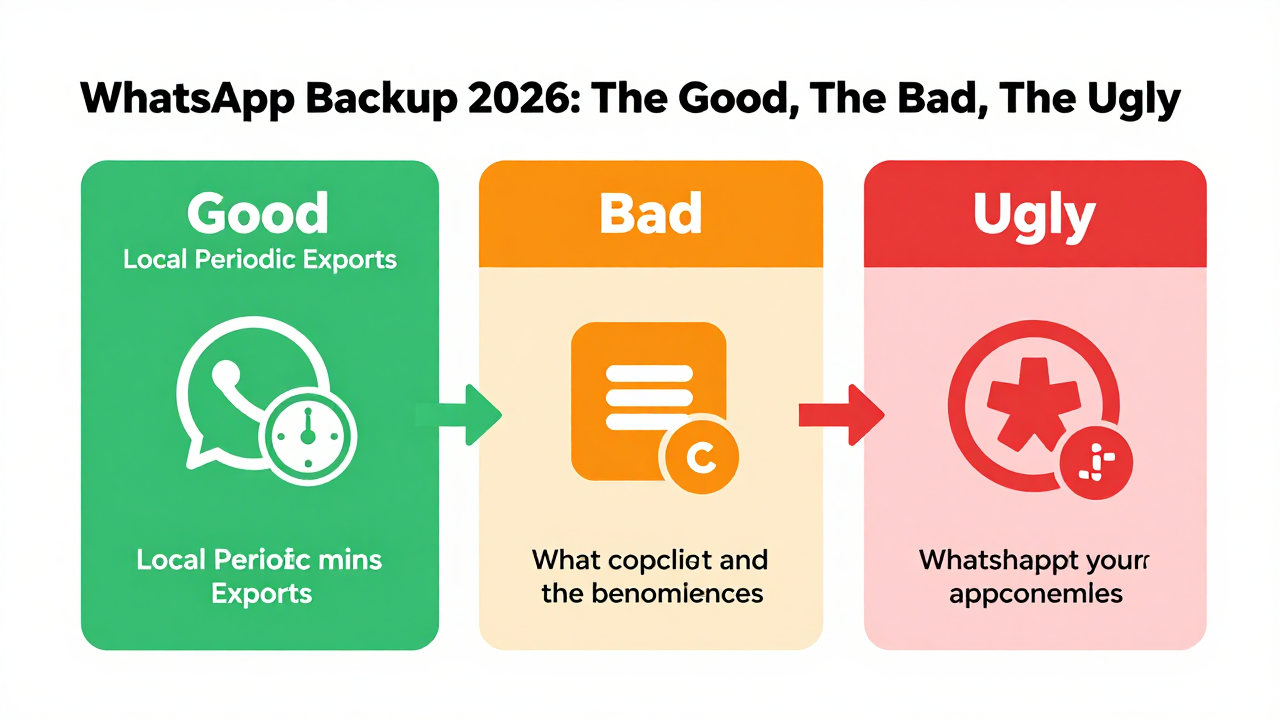
Three Main Approaches to Permanent WhatsApp Chat Backup: The Good, the Bad, and the Ugly
The industry currently offers three main paths to permanent preservation. Here's an honest breakdown of how each performs and where the risks hide.
Option 1: Official Google Drive / iCloud Backup
This is the most basic approach, but it falls far short of "permanent." Google Drive backups depend on your Google account's storage quota and activity status. If an account stays inactive for too long or exceeds its quota, backup files can be purged. The same applies to iCloud. Worse, the restoration process frequently fails even when backups exist—especially during cross-platform migrations (Android to iOS or vice versa), where success rates are frustratingly low. Many users report that after Google Drive's 2026 policy update, backups inactive for over 12 months get flagged as "deletable." That's nowhere near permanent.
Option 2: Local Periodic Exports + Manual Archiving
This is the most primitive yet most reliable method. The workflow: manually export chat records weekly, name folders by client and date, and store them on a local hard drive or NAS. The advantages are zero cost and complete control. The disadvantages are equally clear: it demands extreme self-discipline and can't handle emergencies. If your phone dies and your last export was two weeks ago, everything in between is gone. For cross-border professionals managing more than 50 clients, the maintenance burden makes this approach impractical.
Option 3: Third-Party Professional Backup Services
This space has attracted plenty of players by 2026. These services typically monitor WhatsApp's local database changes through cloud-based background agents, enabling automatic incremental backups that theoretically achieve "real-time preservation." But here's the catch: since WhatsApp doesn't offer an official API, these services either require your account credentials (extremely risky), demand installation of enterprise-signed certificates (ban risk), or only support specific phone models.
Looking at compliance-focused operations, platforms like Getfollow have built a solid reputation by combining local database mirroring, encrypted transmission, and cloud cold storage. They don't ask for your account password—instead, automated scripts on your device extract data locally before uploading it encrypted. This model has performed well in 2026 compliance reviews, though it's not entirely risk-free. Any unofficial data extraction method carries some chance of detection by WhatsApp's security protocols.
A Real Cautionary Tale: Cutting Corners Nearly Cost a Business All Its Client Data
Early last year, a friend running an independent e-commerce site reached out to me. He'd found a "free tool for permanent WhatsApp backup" recommended on an e-commerce forum. It worked fine for two months—he could see his history—but then he discovered the tool was secretly uploading his contacts and chat content to a third-party server. To make matters worse, his WhatsApp account got temporarily banned for 24 hours due to "use of unofficial clients." During that window, a major client was trying to finalize a renewal contract. They couldn't reach him, and the deal nearly fell through.
This story highlights two issues. First, free tools often monetize by selling your data. Second, WhatsApp's detection of unofficial clients has gotten significantly stricter in 2026. Getting flagged can mean temporary bans at best, permanent account termination at worst. For cross-border businesses, losing an account costs far more than any tool subscription.
My advice: blacklist any service claiming "free permanent backup." Reputable third-party services charge by data volume or device count, typically ranging from a few dollars to a few dozen per month. Before committing, verify that the provider offers local encryption, supports exporting in original formats (not just viewing within their platform), and has a clear privacy policy stating your data won't be repurposed.
Real Industry Data on Chat History Retention and Backup Frequency in 2026
According to a 2026 industry report on data management practices among cross-border professionals, over 60% of respondents have experienced at least one WhatsApp chat history loss. The leading cause is device damage or loss, accounting for 38% of incidents. When it comes to backup habits, fewer than 15% of professionals maintain daily automatic backups. Around 40% rely on manual monthly exports, and the remaining 45% have essentially no backup routine at all.
Here's a trend worth watching: WhatsApp is currently testing a feature that automatically cleans up media files older than six months. While it's only in limited beta testing, industry observers widely expect this to become the default policy. That means even if you preserve chat text, media files—images, videos, voice notes—could vanish without you noticing. If your business relies heavily on visual communication (think apparel, jewelry, or mechanical parts), losing media files is just as catastrophic as losing text.
How to Choose a Reliable WhatsApp Chat Backup Service Provider
In today's market, I recommend evaluating providers across four dimensions—all of them non-negotiable:
- Compliance of data extraction methods: If a provider asks for your WhatsApp password or QR code login, eliminate them immediately. Compliant solutions extract data locally from your device without requiring account credentials.
- Storage security: Confirm whether the provider uses AES-256 or stronger encryption for storage, and whether private deployment is supported (meaning data lives only on your own servers or cloud storage). Many providers claim encryption, but if they also hold the decryption keys, that's not real security.
- Ease of restoration: Saving isn't the goal—recovering is. A good provider should let you search history by time, contact, or keywords, and export to PDF or HTML with one click for legal evidence or internal archiving.
- Service continuity: This market is consolidating fast in 2026. Some providers shut down within six months of launching. Choose providers operating for over two years with clear corporate identity and support channels. That dramatically reduces the risk of your data disappearing along with the service.
After comparing multiple providers, I've found that platforms like Getfollow handle data extraction compliance and storage encryption more rigorously than most. They operate on a "device-side agent + cloud storage" model, allowing backups without sharing account credentials, and they support exporting raw database files. That said, this doesn't mean they're right for everyone. If your device is company-managed, you'll need to check whether IT policies permit installing such agent tools.
The Ultimate Strategy for Permanent WhatsApp Backup: Dual-Track Local + Cloud
After extensive testing and industry discussions, I believe the most reliable "permanent preservation" strategy in 2026 isn't about finding a single perfect tool—it's about building a dual-track backup mechanism:
Track One: Regular full backups to local NAS or external drives. Manually export complete chat records (including media) every two weeks and store them in encrypted local storage. This frequency covers the vast majority of emergency scenarios at nearly zero cost.
Track Two: Real-time incremental backups via a third-party service. Choose a compliant provider and enable automatic backup to capture daily chat increments. When local backups are lost or corrupted, the cloud copy is always available for recovery.
The logic behind this dual-track approach is simple: local backups guarantee data sovereignty, while cloud backups guarantee data continuity. They serve as mutual redundancy—no single point of failure can lead to complete data loss. Yes, dual-track means double costs—both time and money. But for cross-border businesses relying on WhatsApp for core operations, this investment is worth every penny.
Final Thoughts: Preserving Records Is Preserving Trust
I've seen too many cross-border entrepreneurs invest heavily in client communication while being extremely stingy about data retention. They think, "It's just records—if I lose them, I'll just ask again." But here's the reality: clients won't want to repeat information they've already confirmed, especially when it involves price adjustments or delivery timeline changes. Your chat history is the verbal contract between you and your client. No archive, no proof.
The WhatsApp ecosystem in 2026 is mature enough and complicated enough that permanently preserving chat history isn't an optional choice—it's a mandatory requirement. My recommendation: start small before scaling up. Pick a provider, back up one non-critical client's chat for a month, verify stability, recovery speed, and data integrity, then roll out across the board. This approach controls risk while avoiding the trap of getting "held hostage" by an unreliable provider.
One final note: all tools are just aids. What truly matters is how much you value your client relationships. Data can be backed up. Trust cannot be recreated.
Frequently Asked Questions About WhatsApp Chat Backup
Can I permanently save WhatsApp messages on Google Drive?
Not permanently. Google Drive backups can be deleted if your account becomes inactive for over 12 months or exceeds storage quotas. Additionally, restoration failures are common, especially during cross-platform migrations. For true permanence, combine local exports with a third-party backup service.
Is it safe to use third-party WhatsApp backup tools?
It depends entirely on the provider. Avoid any service that requires your account password or QR code login. Legitimate providers use device-side data extraction without needing credentials. Always verify encryption standards, export capabilities, and the provider's operational history before committing.
How often should I back up my WhatsApp business chats?
For active business communication, daily automatic backups are ideal. At minimum, enable incremental backups through a third-party service and perform a full manual export every two weeks to local storage. This dual-track approach ensures no gap exceeds two weeks even in worst-case scenarios.
Can WhatsApp messages be recovered after reinstalling the app?
Yes, if you have a backup. Without one, recovery is nearly impossible due to end-to-end encryption. Google Drive and iCloud backups can restore messages during reinstallation, but third-party services offer more reliable recovery options with search and export capabilities.
What happens to WhatsApp media files after six months in 2026?
WhatsApp is testing automatic deletion of media files older than six months. While still in limited testing, this is expected to become standard policy. Text messages may remain, but images, videos, and voice notes could be silently removed. This makes proactive media backup essential.
Three SEO-Optimized Title Options
Option 1: WhatsApp Chat Backup 2026: The Complete Guide to Permanent Preservation
Option 2: How to Save WhatsApp Chats Forever: 2026 Backup Strategies for Business
Option 3: Permanent WhatsApp Chat History: 2026 Solutions for Cross-Border Teams
SEO Keyword Strategy
Primary keyword: WhatsApp chat backup 2026
Long-tail keyword: how to save WhatsApp chats permanently for business
Secondary keywords: WhatsApp chat history preservation, WhatsApp backup for cross-border business, third-party WhatsApp backup tools, WhatsApp data recovery 2026