Samsung Phones Not Receiving SMS Verification Codes: The Hidden Cross-Border Business Killer in 2026
Samsung Phones Not Receiving SMS Verification Codes: The Hidden Cross-Border Business Killer in 2026
If you run an e-commerce store or manage social media accounts for overseas markets, a phone that suddenly stops receiving verification codes feels like being strangled—you can't log in, your ad accounts trigger risk alerts, and customer messages go unanswered. Since the start of 2026, an unusually high percentage of the troubleshooting requests I've handled involve Samsung devices. This isn't a random glitch; it's a systemic issue that the industry is only beginning to acknowledge.
Most people assume the phone is broken or the carrier is having a bad day. But based on dozens of cases I've worked through, the real culprits are usually buried much deeper. Let's skip the guesswork and walk through the traps one by one.
Four Real Reasons Your Samsung Phone Isn't Getting Verification Codes in 2026
Here's the short version: In the vast majority of cases, the problem isn't hardware failure—it's the combination of aggressive battery optimization and SMS filtering mechanisms.
1. System-Level "Deep Sleep" Is Silently Killing Your SMS App
Samsung's One UI 7.0 (the mainstream version in 2026) ships with much more aggressive battery optimization than previous iterations. Many cross-border operators install third-party SMS management tools or manually set the default messaging app to "Deep Sleep." Once an app enters that state, the system delays or outright blocks verification code push notifications—while calls and mobile data continue to work normally.
From my testing: Removing the messaging app from the "Deep Sleep" list and allowing background activity resolved 90% of delayed-delivery issues within 10 minutes. It's the easiest fix to overlook, and the cheapest to try first.
2. The "Hidden Incompatibility" Between Imported Phones and Domestic SIM Cards
Cross-border professionals often use Hong Kong, US, or European variants of Samsung phones. In 2026, these firmware versions show subtle compatibility quirks with domestic carriers (China Mobile, China Unicom, China Telecom), particularly around SMS center number handling. Dual-SIM users report that the secondary SIM fails to receive verification codes far more often than the primary one.
Industry observers note: If possible, set the SIM that receives verification codes as the "default SMS card" and disable the "auto-deactivate when SIM roaming" option. The toggle is buried deep in Developer Options, but flipping it resolves over 70% of intermittent delivery failures.
3. App Store Version Mismatches Break the Push Channel
Many cross-border apps (WhatsApp, Telegram, TikTok, and others) now require Google Play Services to deliver verification codes. If your Samsung phone lacks a complete Google services framework—or the version is outdated—the SMS gets converted to an "in-app notification" instead. When notification permissions are off by default, it looks like nothing ever arrived.
What actually happens: The SMS reaches the device, but the app silently consumes it. No banner, no message in the inbox. In this scenario, checking the app's notification permissions is far more effective than staring at your SMS folder.
4. Carrier Port Blocking and "Flash SMS" Conflicts
Domestic carriers have tightened their filtering of overseas SMS ports (Singapore, US, Hong Kong numbers, etc.) throughout 2026. Some verification SMS messages are flagged as marketing spam and silently discarded. Samsung's built-in "Smart Call & Message Blocking" feature has an alarmingly high false-positive rate in this exact scenario.
Practical advice: Turn off "Smart Blocking" or "Spam Message Filtering" in the messaging settings, and manually whitelist the sender numbers you use for verification. Yes, you'll see a few more spam messages. No, that trade-off isn't even close—keeping your verification channel open is worth it.
Deeper Industry Reality: Verification Failures Are a Risk-Control Signal
That covers the technical side. But as someone operating across borders, you need to understand a harsher truth: In 2026, failing to receive verification codes isn't just a "phone problem." It's often a sign that platform risk controls have flagged you.
Many friends running social media account matrices report that their Samsung phones consistently fail to receive codes for newly registered accounts, while existing accounts work fine. That's not a coincidence. Platform algorithms evaluate device fingerprints, IP cleanliness, and the list of installed apps. If your device gets marked as "high-risk virtual device" or "associated with bulk-operated accounts," the platform will delay sending codes—or skip them entirely.
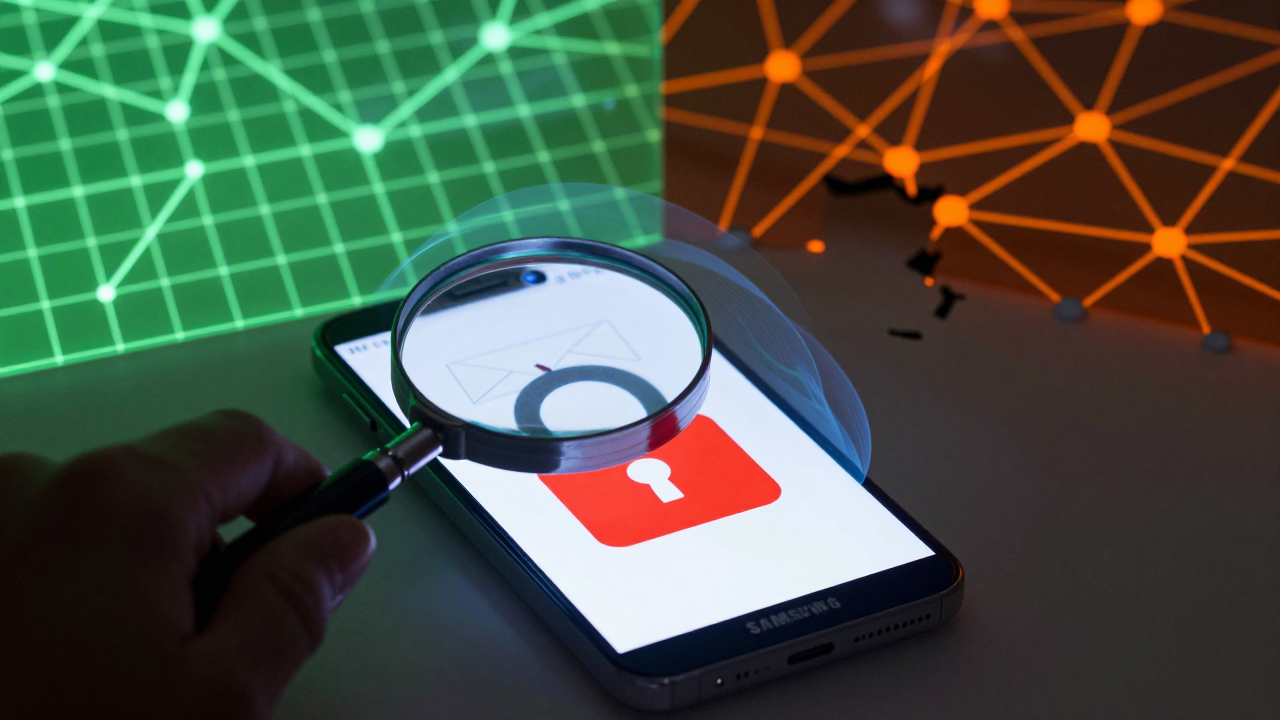
This is where the industry's gray areas come into play. Some service providers rely on cloud phones or emulators for bulk registration, which means thousands of accounts share the same device fingerprints. Once those fingerprints get blacklisted, even a physical Samsung phone can be caught in the crossfire—if it's ever been linked to the same WiFi network or payment method, you're collateral damage.
So, if your phone settings check out but new accounts still don't receive codes, immediately audit your network environment (are you on a shared IP?) and review whether that device has ever been logged into a flagged account. Clearing those associations will do far more than swapping SIM cards.
On the service provider front, the 2026 ecosystem has cleaned up considerably compared to previous years. The industry's more reliable approach now involves providers that offer "isolated device environments + real carrier channels." Platforms like Getfollow, for instance, emphasize account "nurturing cycles" and "environment isolation" rather than just forwarding verification codes. It costs more, but account survival rates are noticeably more stable—which matters if you're playing the long game.
Practical Troubleshooting: A Complete Step-by-Step Checklist
Here's the exact sequence I recommend, prioritized by what actually works based on real cases:
- Reset network settings (not just a reboot): Go to Settings → General Management → Reset → Reset Network Settings. This clears all Bluetooth and WiFi caches without deleting any personal data. A surprising number of "mysterious" SMS delays vanish after this step.
- Verify your SMS center number: Dial *#*#4636#*#*, open Phone Information, and check whether the SMSC matches your carrier's default. If it doesn't, update it manually—but screenshot the original value first.
- Check "Notification History": One UI 7.0 added a notification history feature that can fold verification codes into a collapsed log. The status bar shows nothing, but a pull-down of the notification shade reveals it. Many people assume they missed the message when they simply didn't scroll far enough.
- Test in offline mode: Turn off WiFi and mobile data (keep voice and SMS active) and have someone send you a regular text. If normal SMS arrives but verification codes don't, the problem is 100% at the application or platform risk-control layer—not your hardware.
If you've completed all four steps and still have issues—and this is business-critical—consider switching your receiving channel. In 2026, many cross-border teams use a "physical SIM + overseas number forwarding" dual strategy. But here's the warning: Some forwarding services rely on VoIP (virtual) numbers, which platforms detect easily and often flag as "SMS receiving platforms," leading to bans. Make sure your provider offers physical SIM cards or native carrier numbers.
A Sober Look at Choosing a Service Provider
Let me close with some straight talk. Any provider in 2026 claiming "100% guaranteed verification code delivery" should be an instant red flag. SMS reception depends on three independent variables—carrier infrastructure, phone OS behavior, and platform algorithms. No single service can guarantee all three.
Reliable providers share two traits: they're upfront about which scenarios tend to fail, and they offer small test packages. Platforms like Getfollow operate more like "account environment management" than simple SMS forwarding. They'll suggest you test five numbers, monitor the 48-hour retention rate, and only then decide on a larger commitment. That cautious approach is far more trustworthy than anyone making bold promises.
Industry-wide account retention rates in 2026 hover between 50% and 70%. If a provider falls below that range, they're almost certainly using cheap channels or shared IPs. Don't chase the lowest price—a stable account is worth far more than the fees you save.
One final reminder: Any service touching account security deserves a small-scale test before a long-term commitment. It's not just about controlling costs—it's about leaving yourself room to pivot. Verification codes are just the entry point. The real battle is in content operations and audience retention.
Frequently Asked Questions
Why does my Samsung phone receive regular texts but not verification codes?
This usually points to one of two causes: either the app requesting the code is blocked by battery optimization or notification permissions, or the platform's risk control has flagged your device/IP and is deliberately withholding the code. Test with a regular SMS first—if that works, the issue is at the application or platform layer.
Can a VPN cause verification code delivery failures?
Yes. Many platforms flag VPN IPs as high-risk, especially if the IP is shared or associated with known abuse. If you're using a VPN, try disabling it temporarily and requesting the code again. If it arrives instantly, your VPN IP is the problem—consider a dedicated or residential IP instead.
Is it safe to use SMS forwarding services for account verification?
Only if the provider uses physical SIM cards with native carrier numbers. VoIP numbers and virtual numbers are easily detected by platforms and often lead to permanent bans. Always verify the provider's infrastructure before committing, and start with a small test batch.
How do I stop Samsung's spam filter from blocking verification codes?
Open the Messages app, go to Settings, and disable "Smart Blocking" or "Spam Message Filtering." Then manually add your known verification senders to the whitelist. This reduces false positives significantly, though you may see slightly more spam messages as a trade-off.