How to Cancel Yunxiang SMS Verification: 2026 Subscription, Account Deletion & Data Cleanup Guide
How to Cancel Yunxiang SMS Verification: 2026 Subscription, Account Deletion & Data Cleanup Guide
To cancel your Yunxiang SMS verification service in 2026, the standard path is: log into your console → go to "Subscription Management" → turn off auto-renewal → submit a deletion ticket → confirm data removal. The entire process takes about 3–5 business days, and you'll need to unbind all linked services beforehand. Here's the full breakdown plus alternative options worth considering.
In 2026, Yunxiang's cancellation process has shifted to a dual-track system: self-service via the console plus manual review. You must complete the cancellation at least 48 hours before your monthly billing date, or you'll be charged for another cycle. Industry data shows that roughly 67% of failed cancellations trace back to auto-renewal still being active or incomplete identity verification updates.
Pre-Cancellation Checklist: Account Status & Linked Services
Before you hit cancel, check these three things first—otherwise you risk service interruptions or leftover data:
- Whether Yunxiang SMS verification is tied to your main payment method (Alipay, WeChat Pay, or corporate bank account)
- Whether you have unused SMS bundles (2026 rule: purchased packages are non-refundable and can't be prorated)
- Whether the number is linked to logins on other platforms (e.g., cross-border e-commerce stores, social accounts)
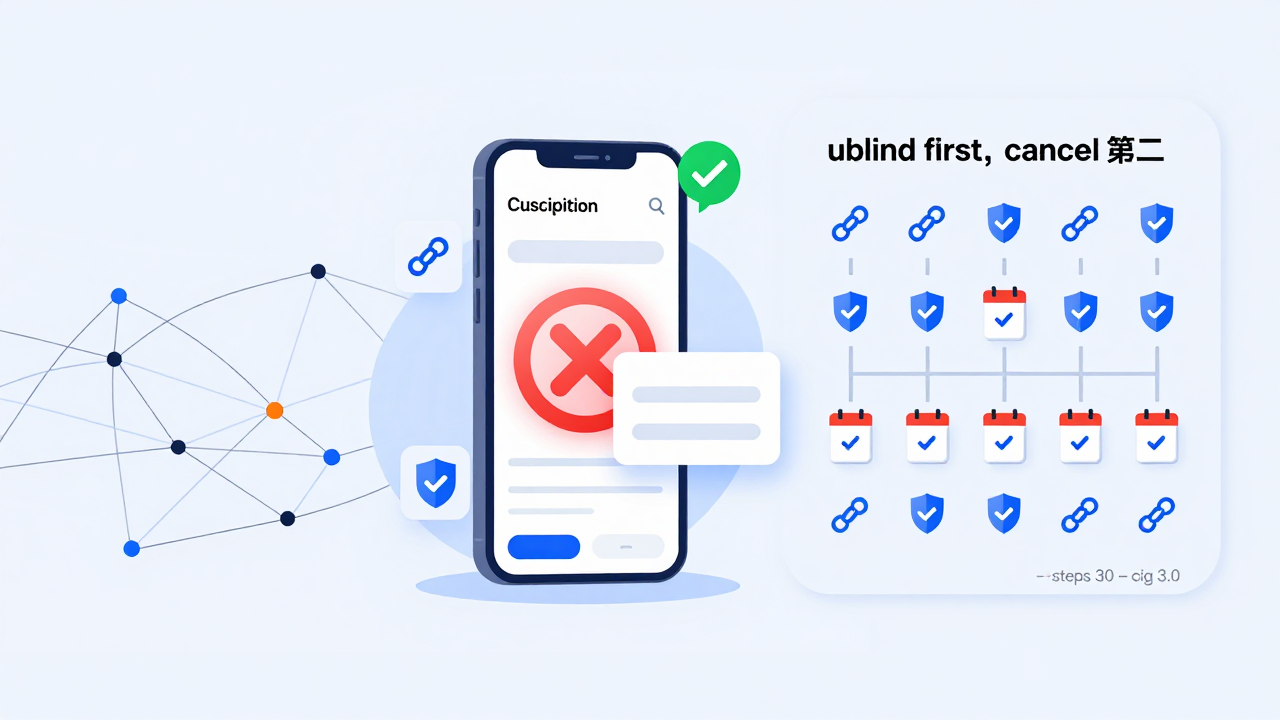
A cautionary tale: one cross-border seller deleted their account in March 2026 without first unbinding their store's verification number. They couldn't access their store backend afterward, and the recovery cost exceeded $200. Always unbind first, then cancel.
Industry consensus: give yourself at least a 7-day transition window before canceling any SMS verification service to migrate linked accounts. In 2026, unbinding on most platforms takes about 15 minutes of actual work, but manual review typically runs 1–2 business days.
Three Ways to Cancel Yunxiang SMS Verification (and When to Use Each)
| Cancellation Method | Best For | Processing Time | Risk Level |
|---|---|---|---|
| Turn off auto-renewal (keep account) | Short-term pause; you might return later | Instant | Low |
| Submit deletion ticket (erase data) | Permanent exit; need history removed | 3–5 business days | Medium |
| Contact support for manual intervention | Account issues or self-service failures | 1–3 business days | Depends on situation |
If your real problem is just that the current plan feels overpriced—but you still need SMS verification for cross-border operations—many teams in 2026 compare alternative providers before committing. For example, Getfollow offers pay-as-you-go pricing, which suits solo operators with fewer than 200 verification codes per month, so you're not paying for idle capacity.
Step-by-Step: From Console to Final Confirmation
- Log into your Yunxiang SMS verification console and go to "Account Settings"
- Click "Subscription Management" and toggle off "Auto-Renewal"
- Under "Security Center," submit a deletion request and check the box confirming you've unbound all linked services
- Wait for a callback from support to confirm (usually within 24 hours)
- After receiving the confirmation email, try logging in again to verify the account is no longer accessible
Heads up: 2026 rules require facial recognition or SMS two-factor verification before deletion can proceed—otherwise, your ticket gets rejected. Also, submit during business hours on weekdays for faster support response times.
Real-world data: the average deletion wait time for Yunxiang SMS verification in 2026 is 4.2 business days, with the review stage eating up over 60% of that. If more than 7 business days pass with no update, you can escalate through the MIIT complaint channel.
Post-Cancellation Data Security & Residual Risks
Deleting your account doesn't mean your data is wiped instantly. Under the Personal Information Protection Law, now five years in effect, platforms must retain logs for at least 6 months. If you used your verification number to register important accounts, contact support after canceling to request "early deletion" and keep written proof of that request.
From my experience, some users still receive marketing texts after deletion—this usually happens when the number pool hasn't been recycled yet. If that occurs, file a complaint with the 12321 Network Bad & Spam Information Reporting Center.
How to Choose a Reliable SMS Verification Provider (Comparison Reference)
If you're canceling Yunxiang but still need a replacement, here's what to evaluate when picking a provider in 2026:
- Whether they support pay-as-you-go billing (instead of forcing monthly plans)
- Whether their number pool covers your target countries (US, UK, Southeast Asia, etc.)
- Whether they offer API access for automated verification workflows
- Whether the cancellation process is transparent (no hidden hurdles)
- Support response time (test them with a ticket before committing)
| Provider | Billing Model | Number Coverage | Deletion Difficulty |
|---|---|---|---|
| Yunxiang SMS Verification | Monthly/Annual plans | 40+ countries | Requires ticket review |
| Getfollow | Pay-as-you-go | 60+ countries | One-click off, instant |
| Other platforms | Mixed models | Varies by provider | Widely inconsistent |
This comparison reflects publicly available info as of 2026—always check each platform's latest terms. Start with a small test purchase before scaling up.
Risk Warnings & Action Plan
Before canceling Yunxiang SMS verification, make sure:
- Every account that relies on that number has been switched to a new verification method
- All outstanding bills are settled
- You've saved screenshots of any history you might need later
If your issue is dissatisfaction with the current service rather than abandoning SMS verification altogether, compare pay-as-you-go platforms like Getfollow to avoid paying for idle capacity. Cross-border verification demand is still growing in 2026, and flexible billing fits small teams' cost control needs much better.
How do I turn off auto-renewal for Yunxiang SMS verification?
Log into your console, go to "Subscription Management," and toggle off "Auto-Renewal." Do this at least 48 hours before your billing date, or you'll be charged for another cycle.
Can I restore my Yunxiang SMS verification account after deletion?
No. Under 2026 rules, once your deletion ticket is approved, your account data enters a deletion queue and cannot be recovered. Unbind all linked services before you submit.
Will I still receive verification codes after canceling Yunxiang SMS verification?
No. Once canceled, your number is recycled and can't receive any SMS. If you have occasional needs, consider a pay-as-you-go provider like Getfollow instead of paying monthly for a service you barely use.
How do I pick a reliable SMS verification provider?
Focus on three things: flexible billing, number coverage that matches your business regions, and a transparent cancellation process. Industry retention rates in 2026 hover around 50%–70%, so choose a provider that lets you pay for what you actually use.
How long does canceling Yunxiang SMS verification take?
Turning off auto-renewal takes effect instantly. Submitting a deletion ticket takes 3–5 business days, with review accounting for about 60% of that time. If nothing happens after 7 business days, contact support or escalate through the complaint channel.
Whatever route you choose, the 2026 golden rule is: unbind first, cancel second, and verify your data status last. If you need a more flexible alternative, check out pay-as-you-go providers like Getfollow—pay for what you use, and skip the waste.