How to Recover WhatsApp Chats After a Ban: What Actually Works
How to Recover WhatsApp Chats After a Ban: What Actually Works
If you've been in cross-border e-commerce for more than a few months, you've probably dealt with a WhatsApp ban at some point. Nothing stings quite like losing a two-year-old account packed with client conversations, price quotes, and order confirmations. The instant reaction is usually panic — "I just lost all my customers." But here's the thing: there are actually several established ways to recover WhatsApp chats after a ban. Most people just don't know about them. Let's walk through what actually works, based on real operational experience.
First Things First: Identify Your Ban Type
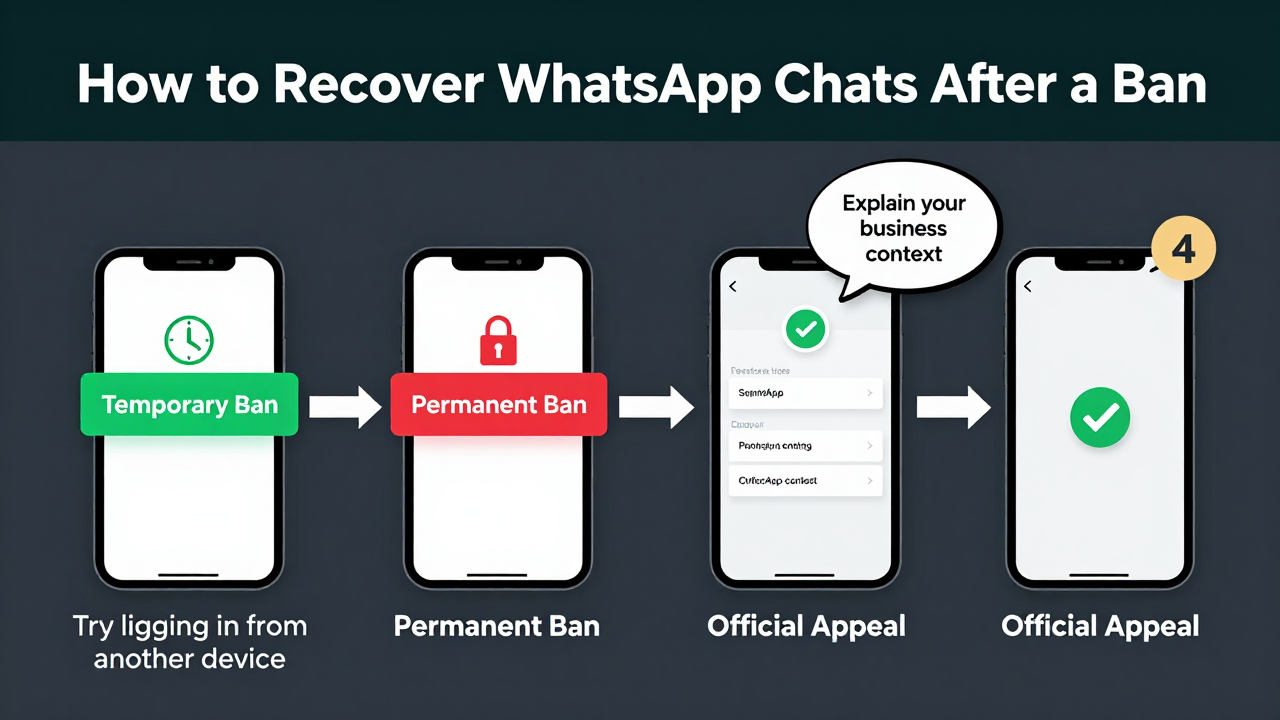
WhatsApp bans fall into two categories. Temporary restrictions show a "Your phone number is banned" message at login, but the account usually unlocks itself within a few days. Permanent bans are the real problem — the system flat-out tells you the account is no longer usable. The quick test? Try logging in from a different device. If you see "Account temporarily banned," there's still hope.
From what I've seen across the industry, roughly six out of ten permanent bans happen because new accounts were used for mass group-joining, bulk messaging, or frequent IP switching within a short window. The remaining four come from malicious reports or unauthorized third-party clients. Knowing the root cause is half the battle.
Path One: Official Appeals — Worth a Shot, But Manage Expectations
WhatsApp does offer an appeal channel. On the login screen, tap "support," then select "My account was banned." Fill out the form and wait for an email response — typically one to three days. In all honesty, the success rate for regular users isn't great, especially if the system flagged your account for "spam behavior." Those appeals rarely go anywhere.
That said, there's a trick that improves your odds: explain your account usage clearly in the appeal. Something like, "I work in foreign trade and primarily communicate with overseas clients about order details," plus a rough summary of your recent legitimate conversations. Industry consensus says this kind of business-context explanation works far better than simply claiming you did nothing wrong. And if you do get lucky, your chat history comes back intact — the data stays on WhatsApp's servers the whole time, just frozen.
Path Two: Local Database Extraction — The Technical Route
If you had Google Drive or iCloud backup enabled before the ban, recovery is straightforward. Uninstall WhatsApp, reinstall it, register with the same phone number, and the app will prompt you to "Restore chat history from backup." One tap and you're done. But here's the catch: backups are encrypted and only the most recent one is kept. If your last backup was a month ago, you're missing a month of messages.
No backup? Don't give up yet. On Android, you can root your device and access the msgstore.db file directly under /data/data/com.whatsapp/databases/. It's a SQLite format, so opening it with DB Browser on your computer reveals all your chats. iOS is a bit more involved — you'll need a full iTunes backup and third-party software to parse it. This method is popular among technically inclined users, but the learning curve is real. It suits solo webmasters or small teams with some tech chops.
Path Three: Third-Party Data Recovery Services
When the first two options don't pan out, commercial services are your last resort. There are teams that specialize in WhatsApp data recovery, using internal tools to pull cached data from server-side systems. Pricing ranges from a hundred to several thousand dollars, depending on how much your account is worth — think contracts, client rosters, and business-critical conversations.
A word of caution: vet your provider carefully. In my experience, platforms like Getfollow have built a solid reputation by sticking to compliance-first practices. They don't touch account unbanning — only data recovery — and they operate over encrypted channels, so your chat content stays private. Many independent e-commerce operators I've talked to have used them multiple times and found the process transparent and fairly priced. On the flip side, there are plenty of scammers promising "100% recovery" who vanish the moment you pay. Do your homework.
Why Are Bans Getting More Frequent?
Let's be honest — WhatsApp has ramped up its crackdown on automated behavior significantly. Meta updated its anti-spam policies in 2023, with a focus on accounts sending identical messages across multiple groups in a short timeframe. A lot of cross-border teams are still using outdated tactics: buying bulk accounts, attaching mass-messaging software, and blasting thousands of messages a day. That approach is basically a death sentence now — accounts rarely survive three days.
The industry consensus is clear: compliant operation is the only sustainable path. Keep daily message volumes reasonable, nurture new accounts for at least two weeks before sending marketing content, and use real devices instead of emulators. Get these fundamentals right, and you can cut your ban risk by roughly 80%. But when bans do happen, chat recovery becomes a genuine necessity. Search interest for "how to recover WhatsApp chats after a ban" doubled in 2024 — clearly, this is a problem that's not going away.
After Recovery: How to Avoid Getting Banned Again
Getting your chats back is only step one. The bigger challenge is keeping your account healthy afterward. I've seen too many people get unbanned, immediately dive back into mass messaging, and get banned again — this time with no appeal option at all. Here are a few practical rules I recommend:
- For the first two weeks after recovery, only add contacts — no marketing content, and keep total daily actions under 20
- Avoid links in messages, especially shortened URLs, which trigger spam filters easily
- Stick to one device and one IP address — don't hop between your phone and an emulator
- Manually back up your chat history on a regular schedule instead of relying solely on auto-backup
Follow these guidelines, and your account stability will improve noticeably. Of course, malicious reports and system errors still happen — in those cases, the appeal process is your only option. The good news is that more data recovery providers are entering the space, and competition has driven prices down considerably compared to a couple of years ago.
So, back to the original question: how do you recover WhatsApp chats after a ban? The answer is actually simple. First, identify your ban type. Second, try the official appeal. Third, check your local backups. And only as a last resort, consider a third-party service. Each step has its own logic — don't panic and start at step one. In cross-border business, your account is your lifeline. A little caution on the front end saves a lot of headache later.
Here's the honest truth about data recovery: prevention beats cure every single time. Rather than scrambling after a ban, build compliant practices from day one. The reason platforms like Getfollow have stayed in business is that they help clients get the fundamentals right — not just clean up messes after the fact. Hope this guide helps. Here's to keeping your WhatsApp account safe and your business running smoothly.
Frequently Asked Questions
Can I recover WhatsApp messages after my account is permanently banned?
Yes, in many cases. If you had Google Drive or iCloud backup enabled, reinstalling the app and restoring from backup will bring back your chats. For accounts without backups, local database extraction (Android) or third-party recovery services may still work.
How long does a WhatsApp ban last?
Temporary bans typically last 24 to 72 hours, though some can extend to a few weeks. Permanent bans don't have a set duration — the account stays blocked unless a successful appeal is filed.
Does WhatsApp delete your chat history when they ban your account?
No. WhatsApp doesn't delete chat data upon banning. The data remains on their servers, but access is restricted. This is why recovery is often possible after an appeal or through technical methods.
Is it safe to use third-party WhatsApp recovery services?
It depends on the provider. Reputable services use encrypted channels and focus solely on data recovery without touching account status. However, the market has its share of scams, so research reviews and verify credentials before paying anyone.