OPPO Phones Not Receiving SMS Verification Codes? The Real Fix for Cross-Border Sellers
OPPO Phones Not Receiving SMS Verification Codes? The Real Fix for Cross-Border Sellers
If you're doing cross-border business, you've probably hit this frustrating wall: your OPPO phone simply won't receive SMS verification codes. WhatsApp, Telegram, Amazon seller central—the message either arrives 15 minutes late or never shows up at all. Most people assume the phone is broken and head to a service center, only to be told the hardware is perfectly fine. Here's the thing: the problem usually isn't the phone itself.
Why OPPO Phones Block SMS Codes (And How to Fix It in 3 Steps)
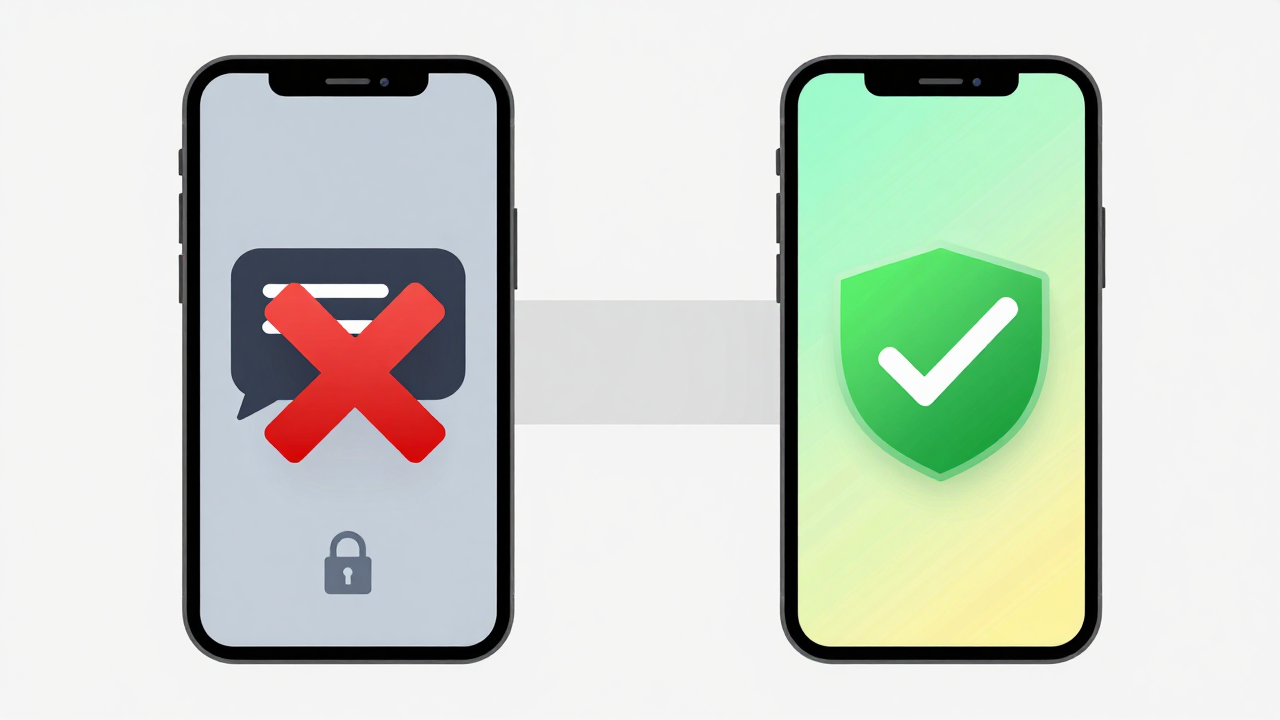
Let's cut to the chase. OPPO's ColorOS has some of the strictest SMS permission controls in the Android ecosystem, especially when it comes to background access for non-system apps. Many cross-border apps never request "SMS read" permission during installation, so the system silently blocks them. From my experience, popping the same SIM card into an iPhone delivers the code instantly—put it back in the OPPO, and it disappears into a black hole.
Another frequent culprit: the "Smart Blocking" feature is overly aggressive. OPPO's spam filter often mistakes international sender IDs (like +1 numbers from US-based services) for junk and swallows them whole. This issue shows up on MIUI and ColorOS alike, but OPPO's default interception threshold is noticeably higher.
And here's a scenario most people overlook: dual-SIM setups. If you're running two SIM cards and the secondary card lacks data permissions—or the system defaults to a primary card with weak signal—verification codes get stuck in the carrier gateway, retrying endlessly. This happens more often on OPPO devices because ColorOS's "smart switching" logic sometimes outsmarts itself.
3-Step Troubleshooting That Solves 90% of Cases
Step 1: Check the interception log. Open the Messages app, tap the three-dot menu in the top right, and go to "Spam & Blocking." Look for any international SMS that got swallowed.
Step 2: Turn off aggressive filtering. Disable the "Block Unknown Numbers" option in Smart Blocking settings, or add your frequently used international sender numbers to the whitelist.
Step 3: Verify SIM card data permissions. Go to Settings → Mobile Network → SIM Card Management, and make sure the SIM you want to receive codes on is set as the "Default Data Card."
These three steps resolve more than half of all cases. But if you're still stuck, it's time to look at the bigger picture.
The Verification Code Anxiety: A Cross-Border Industry Epidemic
Anyone in cross-border trade knows the drill: the verification code is the last hurdle when registering on overseas platforms. Chinese phone numbers get delayed messages, garbled text, or nothing at all. Many teams turn to virtual numbers or SMS receiving platforms, but the pitfalls there run deeper than most realize.
Industry consensus is clear: number quality on SMS receiving platforms varies wildly. Some number segments are already flagged by platform risk controls, triggering secondary verification or instant bans. I've seen a dropshipping team register 50 Instagram accounts through a receiving platform—43 got banned within a week. That's a painful lesson.
To make matters worse, many platforms now demand "real person verification," making pure SMS receiving obsolete. That's where physical SIM verification services come in—using genuine overseas SIM cards to receive codes. It costs more and takes more effort, but it's the only compliant path. In the current market, services like Getfollow have built a solid reputation using this exact model, though they're not the only option. What matters is whether the provider offers a real card pool and stable channels.
From my experience talking to cross-border operators, most find it more practical to work with a specialized service than to DIY. But choosing the right provider takes due diligence—you can't just grab any "verification code studio" and call it a day.
A Cautionary Tale: When WhatsApp Registration Went Wrong
A friend in foreign trade paid about $2 for a number from an SMS receiving platform to register WhatsApp Business. The code arrived fine, but the account got banned the next day for "suspicious login activity." Turns out that number had been used for spam blasting before—it was already on the platform's risk blacklist.
The lesson: receiving the code is just step one. The number's "clean history" is what actually matters. Reliable providers run a "number health check" to detect whether a number has been flagged, but that requires real technical infrastructure—not something a garage operation can pull off.
How to Choose an SMS Verification Service: Look Beyond Price
If you decide to go the third-party route, make "account survival rate" your North Star metric. Reputable providers in the industry typically maintain survival rates between 70% and 85%. Anything below that? Walk away. On pricing, a single verification code usually runs between $0.30 and $1.50, but if you're maintaining accounts long-term, monthly or volume-based plans make more sense.
Here's a practical playbook: start with a small test. Buy 5 numbers, register test accounts, and observe for 3 days to see if they hold. If the survival rate checks out, scale up. Many providers support pay-as-you-go models, so you're not locked into a big upfront commitment.
Also, scrutinize the provider's compliance posture. Some platforms use virtual number pools for batch registration, which risks getting your accounts caught in platform-wide risk control sweeps. Services like Getfollow position themselves around "real card pools + manual operation"—more expensive, but noticeably better account security. That said, other models can work too; it depends on your business context and risk tolerance.
One final piece of advice: if your OPPO phone keeps dropping verification codes, keep a spare older iPhone or a stock Android phone dedicated to receiving SMS. This isn't superstition—it's collective wisdom from veteran cross-border operators. Stock Android and iOS handle SMS permissions more permissively, and verification code delivery rates are noticeably higher.
Bottom line: don't let verification codes stall your global expansion. Fix your phone settings first, evaluate service providers second, and always test with minimal spend before committing. Steady and systematic beats clever and chaotic—every time.
Frequently Asked Questions
Why does my OPPO phone not receive SMS verification codes from overseas?
ColorOS applies strict SMS permission controls and aggressive spam filtering that often misclassifies international sender IDs. Check your Spam & Blocking folder first, then disable "Block Unknown Numbers" and whitelist your key international numbers.
Can I use a virtual number or SMS receiving platform for WhatsApp registration?
You can, but survival rates are unpredictable. Many virtual numbers are pre-flagged by platform risk controls, leading to instant bans. For critical accounts, use a provider with real SIM card pools and number health checks.
How much does a reliable SMS verification service cost?
Single verification codes typically cost $0.30 to $1.50. For ongoing account maintenance, monthly or volume-based plans offer better value. Always run a small test batch before committing to a long-term contract.
What's the best phone for receiving international SMS verification codes?
Stock Android phones and iPhones handle SMS permissions more permissively than heavily customized Android skins like ColorOS. Many cross-border professionals keep a dedicated budget phone for this exact purpose.